

Posting an AI Wall Run to TikTok or Instagram Reels
Prepare your 15-second AI Wall Run MP4 for TikTok or Instagram Reels. Check the crop, label the fictional stunt and choose a cover that shows the flip.
AIWallRun Team · Published and updated November 3, 2026
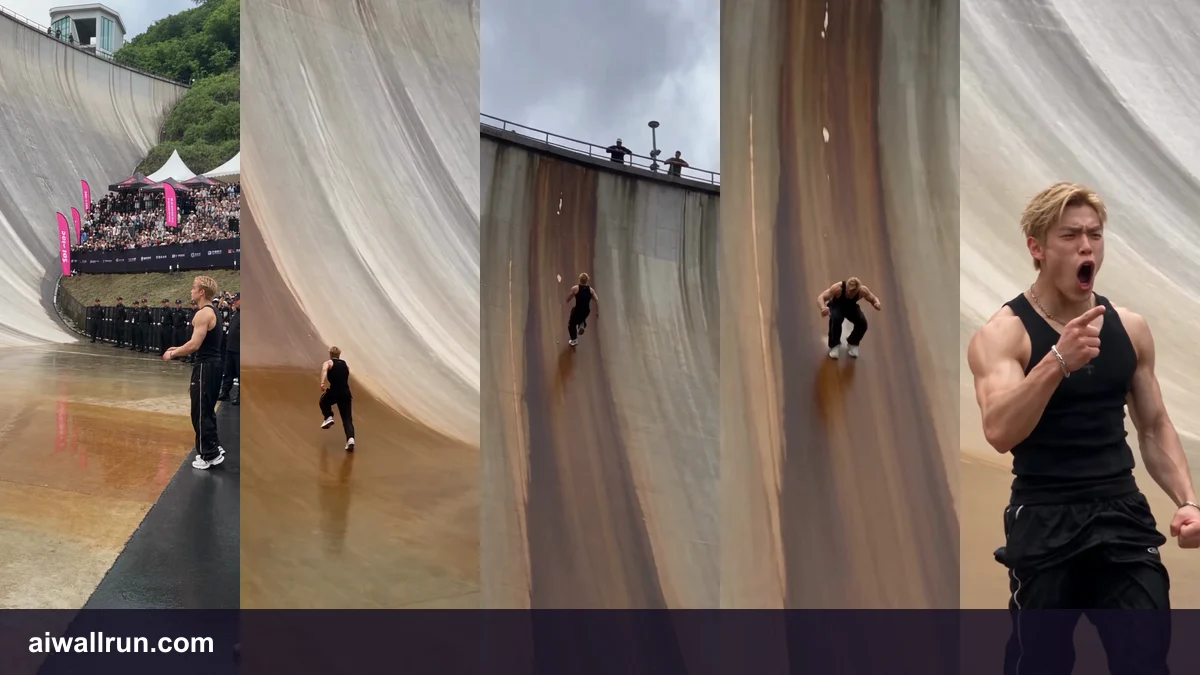
Download the original MP4 from My Videos. It is already vertical and about 15 seconds long. Re-recording the player with your phone can bake controls and black bars into the result. Start a new video post or Reel with the downloaded file and watch the preview all the way through.
| Preview check | What to do |
|---|---|
| The runner disappears near the crest | Keep the original 9:16 framing; avoid zooming to fill another crop. |
| A caption covers the flip | Move the text away from the railing and preview it with the app’s controls visible. |
| The cover looks like a real stunt | Choose a clear frame and say in the caption that it is AI-generated. |